
Managing website content across teams gets messy fast.
Content strategists, project managers and editors are juggling drafts, reviews, deadlines and approvals across too many places.
It’s hard to see what’s done, what’s late and what needs attention.
We made some big updates in the Content Planner to fix that.
This update gives teams a clearer way to manage website content work inside Slickplan, with a redesigned dashboard, a new content calendar and cleaner workflow management.
A clearer dashboard for content work
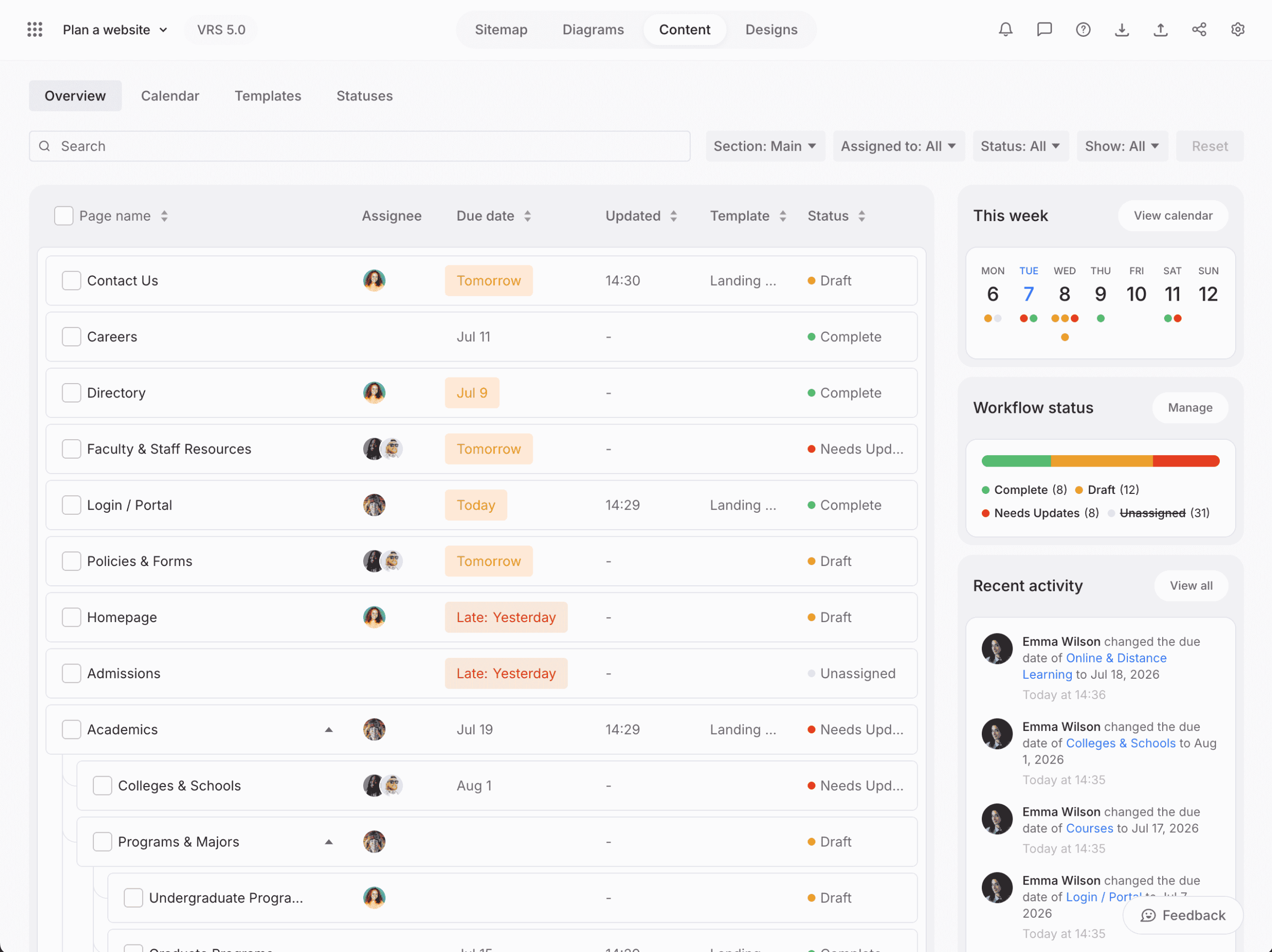
The new Content Planner dashboard gives you a better view of the pages, people, statuses and deadlines inside your project.
Instead of digging through pages one by one, teams can get a quick look at what is moving, what needs attention and where content stands across the site.
It is designed for the people who manage the messy middle of website content:
- Project managers tracking progress
- Content strategists organizing page work
- Editors reviewing drafts
- Writers tracking their own assignments, deadlines and progress
- Teams coordinating deadlines, ownership and approvals
Writers can quickly see what they are responsible for, what is coming up, what is due and how their work fits alongside the rest of the team.
The goal is simple.
Give everyone a clearer place to manage content before it moves into design, development or final delivery.
A new content calendar
The biggest addition is the new Content Calendar.
The calendar gives teams a visual way to see content due dates across the project. You can switch between month and week views, review content status and see what is coming up without opening every page.
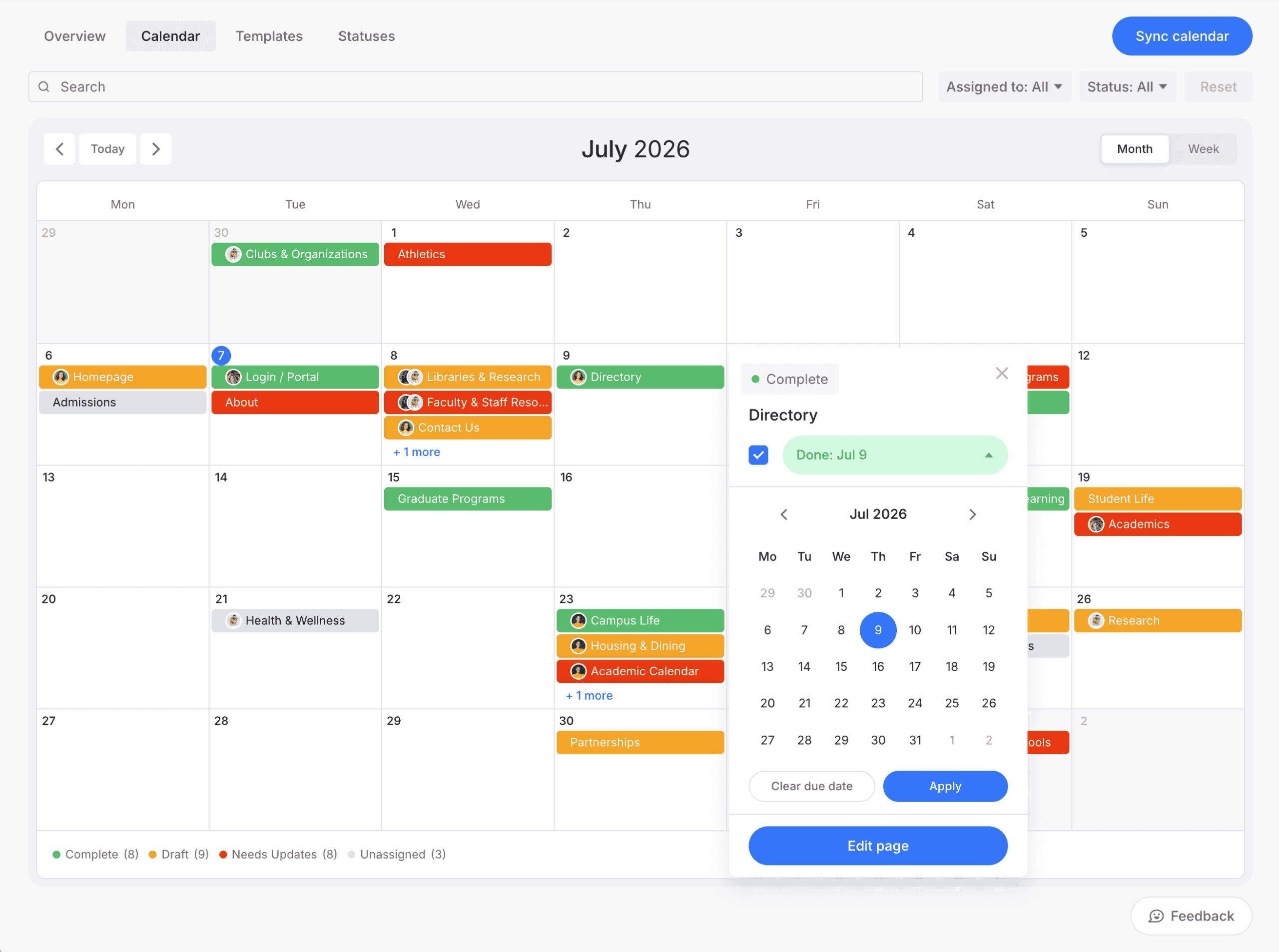
Each calendar item connects back to a page in the Content Planner, so teams can move from schedule view to editing work quickly.
You can also use week view to focus on upcoming content work in a shorter time window.
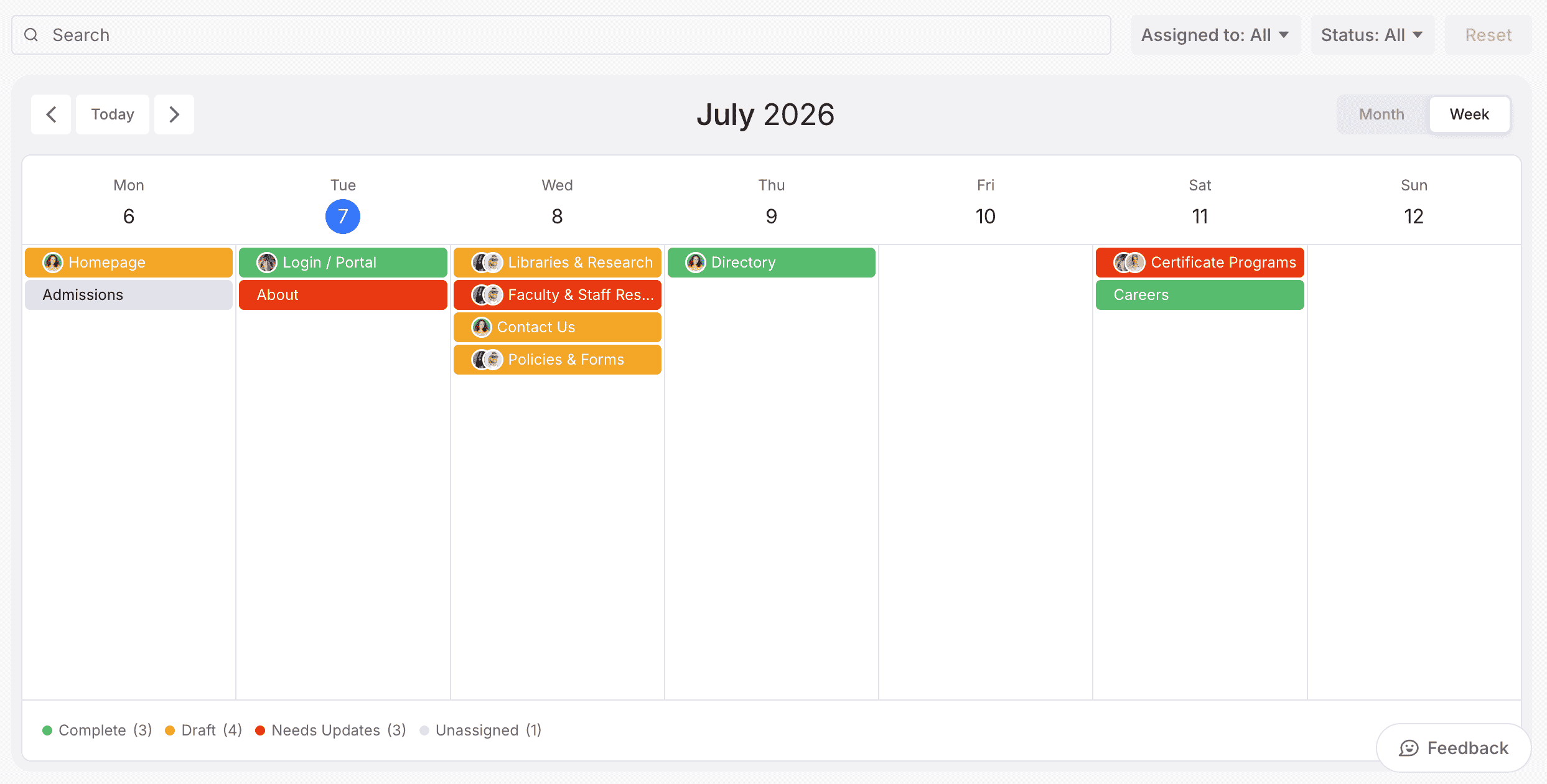
You can also drag content items to adjust due dates directly from the calendar.
That makes it easier to shift schedules as priorities change, without turning every date change into a separate cleanup task.
The calendar also supports iCal export, so content due dates can be added to tools like Google Calendar, Apple Calendar and Outlook.
Building on the new Page Editor
This update builds on the Page Editor refresh we launched earlier.
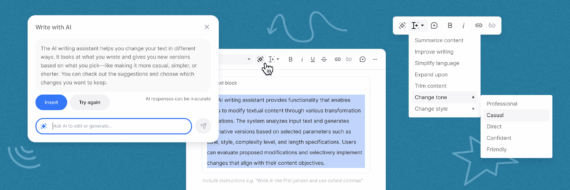
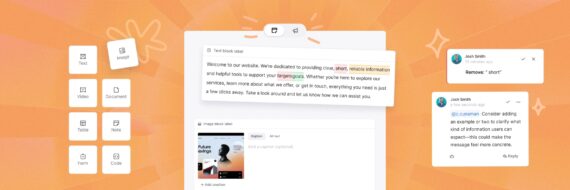
The Page Editor gave teams a better way to write, review and structure content with blocks, inline comments, suggestive edits, an AI writing assistant, SEO tools and preview mode.
Now the surrounding Content Planner experience is easier to manage too.
You can plan the page structure, write the content, track status, manage due dates and keep the whole content workflow moving in one place.
We also made a few smaller updates to existing tools.
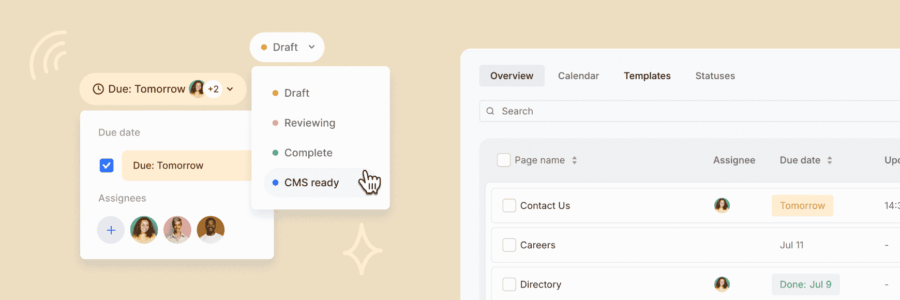
Workflow statuses have been cleaned up, making it easier to create, organize and manage the steps your team uses to move content forward.
Content templates have also been refreshed, with a cleaner dashboard and simpler ways to edit, duplicate, import or delete templates.
These updates help keep content planning consistent without adding extra process.
Plan, schedule and manage content in one place
The updated Content Planner is available now inside Slickplan.
Start a free 14-day trial to explore the new dashboard, calendar and workflow updates, or take a closer look at how Content Planner helps teams plan, write and manage website content in one connected workspace.
Want a broader look at Content Planner? Explore Content Planner.
Frequently asked questions
What changed in Slickplan's Content Planner?
Slickplan's Content Planner now includes a refreshed dashboard, a new Content Calendar and cleaner workflow management updates. The update helps teams see page status, ownership, due dates and upcoming content work more clearly.
What is the new Content Planner dashboard for?
The refreshed dashboard gives teams a central place to review content pages, assignees, workflow statuses and due dates. It helps project managers, content strategists, editors and writers understand what is moving, what is late and what needs attention.
What does the new Content Calendar do?
The Content Calendar gives teams a visual way to manage content due dates across a project. Users can review scheduled content, see status in context and switch between month and week views.
Can I change content due dates from the calendar?
Yes. Content items can be moved in the calendar to adjust due dates, making it easier to update schedules when priorities change.
Does the Content Calendar support external calendars?
Yes. The Content Calendar supports iCal export, so content due dates can be added to tools like Google Calendar, Apple Calendar and Outlook.
How does this update connect to the Page Editor?
The Page Editor helps teams write, review and structure content with blocks, inline comments, suggestive edits, AI writing assistance, SEO tools and preview mode. This Content Planner update improves the surrounding workflow, making it easier to manage status, due dates and content progress across the project.
Were workflow statuses updated too?
Yes. Workflow status management has been cleaned up, making it easier to create, organize and manage the steps your team uses to move content forward.
Were content templates updated?
Yes. The Templates area has been refreshed with a cleaner dashboard and simpler ways to manage templates, including editing, duplicating, importing and deleting them.
Who is this update for?
This update is especially useful for project managers, content strategists, editors, writers and teams managing website content across multiple pages, deadlines and review stages.
Is the updated Content Planner available now?
Yes. The refreshed Content Planner is available now inside Slickplan.


 Facebook
 X
X Youtube
 LinkedIn
 Vimeo
Vimeo