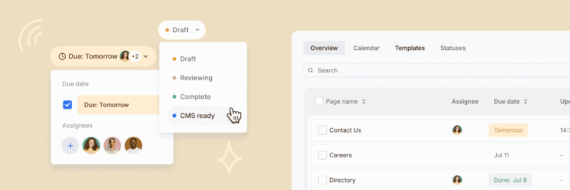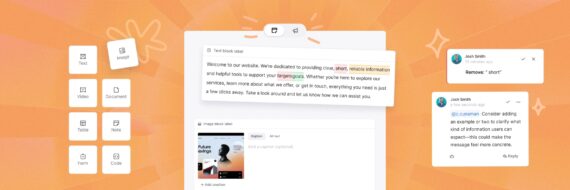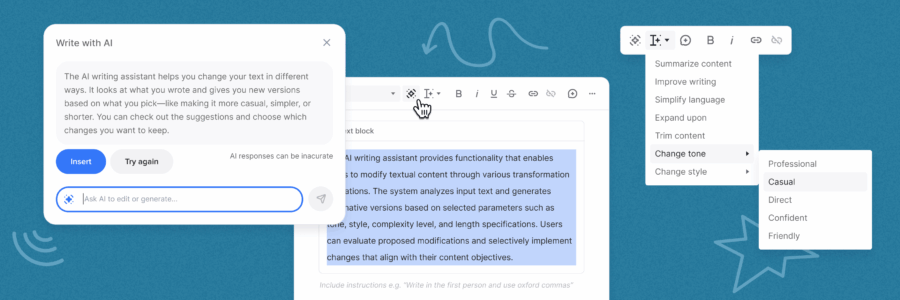

Writing content just got easier. Use AI inside Slickplan’s page editor to draft, refine, and improve copy without breaking your workflow.
Slickplan has always been about structured, production-ready content. Now, with the AI writing assistant built directly into the page editor, teams can move faster through drafting and editing – without jumping between tools or losing context.
Writing assistance works best when it stays in your workflow
Teams already use Slickplan’s page editor to plan, structure, and collaborate on content that’s meant to ship. But when it comes time to draft or refine copy, that work often happens somewhere else.
That usually means switching tools, pasting text back into structured layouts, and adding extra review cycles before content is actually ready for production.
The AI writing assistant removes that gap by supporting drafting and editing directly inside the page editor—so writing stays connected to the structure, context, and collaboration your team is already using.
🎬 Learn what Slickplan can do!
We filmed a short video to show you exactly how to use Slickplan
What the AI writing assistant helps with
The AI writing assistant is designed to support real writing work, not replace it. It helps teams move through common writing tasks faster while keeping full control over the final content.
You can use it to:
- Draft new paragraphs, headlines, or calls to action from a prompt
- Refine existing text to improve clarity or flow
- Adjust tone to better match your audience
- Summarize or expand sections of content
- Improve internal notes and writing guidance for collaborators
All of this happens directly inside text-based blocks in the page editor.
“We built the AI writing assistant to support real writing work inside a real content workflow — not to replace writers, and not to create another tool teams have to manage.”

Review and control every AI suggestion
The AI writing assistant is designed to assist – not overwrite – your content.
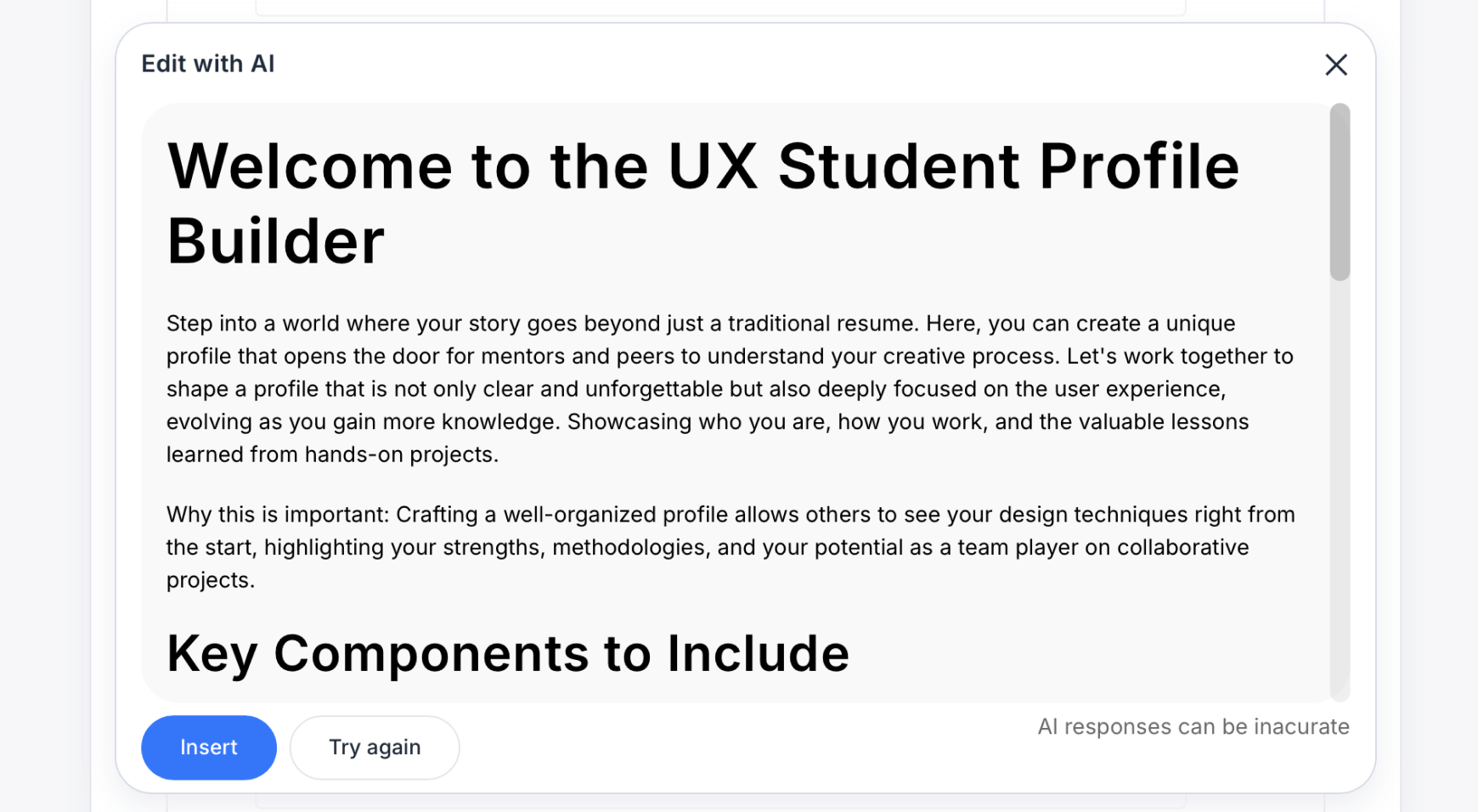
Every suggestion is shown in a preview first, so you can review the result before inserting it. If it’s not quite right, you can try again, tweak your prompt, or simply ignore the suggestion and keep writing manually.
Because everything lives inside the page editor:
- You can undo changes using standard browser shortcuts
- Version history remains intact
- Existing review and approval workflows still apply
This keeps AI assistance helpful, predictable, and fully under your control.
Built for teams, not just drafts
The AI writing assistant works alongside the collaboration features teams already use in Slickplan.
It fits naturally with:
- Structured content blocks
- Inline comments and suggestive edits
- Notes blocks for internal guidance
- Workflow statuses and approvals
Writers can draft faster, editors can guide more clearly, and teams stay aligned earlier in the process – before content reaches production.


Design user-friendly sites with Slickplan
Use our easy drag-and-drop interface to ensure people can get where they want to go.
Start writing with AI inside the page editor
The AI writing assistant is available now inside Slickplan’s page editor.
If you’re already using the Content Planner, open any page and start writing. If you’re new to Slickplan, you can explore the full workflow — from planning to writing to handoff — in one structured system.
If you’d like step-by-step instructions and a deeper breakdown of how it works, see our AI writing assistant help guide.


 Facebook
 X
X Youtube
 LinkedIn
 Vimeo
Vimeo